
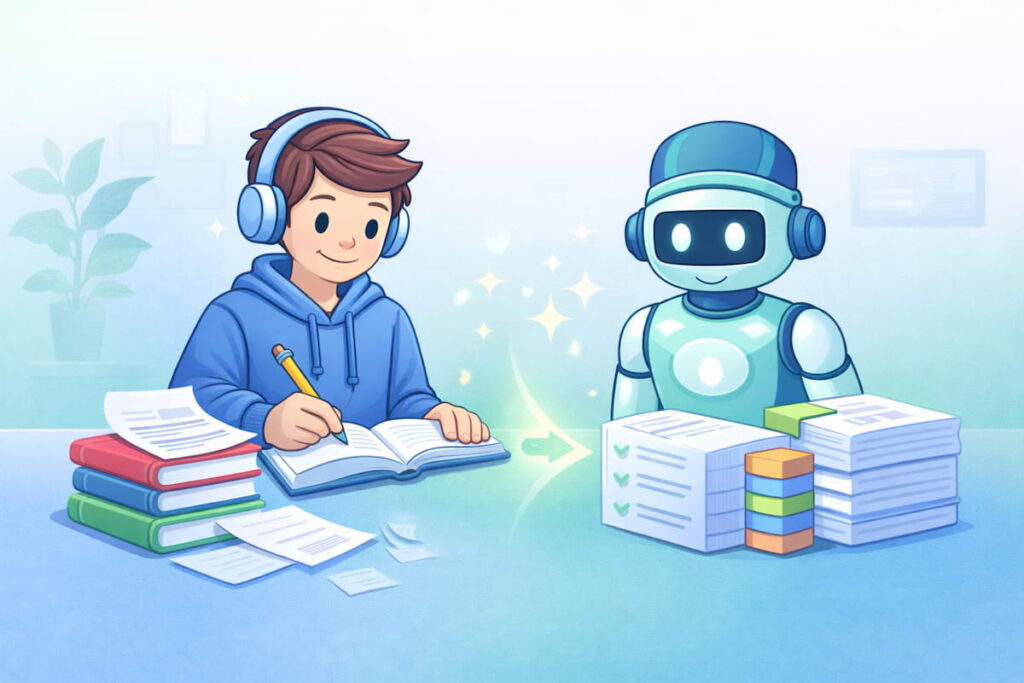
Learn anything faster with AI is not a magic trick. Still, it can feel like one when you use AI the right way. Most people think learning faster means studying longer. I don’t agree. In my experience, learning faster is mostly about removing wasted time: the confusion, the searching, the messy notes, and the “I don’t even know where to start” feeling.
AI helps because it can act like a personal tutor, note-maker, quiz builder, and revision planner. It can break hard topics into smaller steps. It can generate examples. It can test you. And it can explain your mistakes in simple language. So you’re not studying more. You’re studying smarter. ✅
In this guide, I’ll show how to learn anything faster with AI without increasing study hours. I’ll give you a subject-wise approach (math, science, languages, and more) and a clear exam preparation workflow. I’ll also share my opinion, ratings, and an FAQ, all in simple words.
I stopped rereading notes. I stopped highlighting everything. I stopped guessing what to revise.
Then I started using AI to make learning active.
After that, my study time felt lighter and more focused.
Why “Studying More” Often Fails (And What Works Instead) 🧠
If you want to learn anything faster with AI, first understand why traditional studying feels slow:
- Passive reading is easy but weak
- Rewatching videos feels productive but often isn’t
- Highlighting looks nice but doesn’t test memory
- Long notes waste time when you revise
What actually works better:
- active recall (testing yourself)
- spaced repetition (reviewing at the right time)
- focused practice (targeting weak areas)
- clear explanations (removing confusion fast)
AI can help you do all four—without adding more hours.
The 80/20 Rule for Learning Faster With AI ⚡
Here’s a principle I follow:
20% of the topic creates 80% of exam marks and real understanding.
So the first job of AI is to help you find:
- the core concepts
- the most repeated question types
- the “high-frequency” topics
- the typical mistakes
If you learn anything faster with AI using this rule, your workload drops instantly.
The 7-Step AI Learning Workflow (Works for Any Subject) ✅
Use this workflow if you want to learn anything faster with AI, even if you’re starting from zero.
1) Ask AI for a simple roadmap 🗺️
- “Explain this topic like I’m 15.”
- “Give me the 10 key concepts I must know.”
2) Turn the roadmap into micro-topics 🔍
Ask:
- “Break these 10 concepts into small lessons I can finish in 20 minutes each.”
3) Learn with examples (not definitions) 🧩
Ask:
- “Give 5 examples and explain each one in simple steps.”
4) Convert learning into questions 📝
Ask:
- “Create 20 quiz questions from this topic, from easy to hard.”
5) Test, then diagnose weakness 🧠
Ask:
- “Explain why my answer is wrong and show the correct thinking.”
6) Create a revision plan (spaced repetition) 📅
Ask:
- “Make a 7-day revision schedule for these micro-topics.”
7) Do exam-style practice 🎯
Ask:
- “Generate exam-style questions and mark my answers strictly.”
That is how you learn anything faster with AI: less passive time, more active progress.
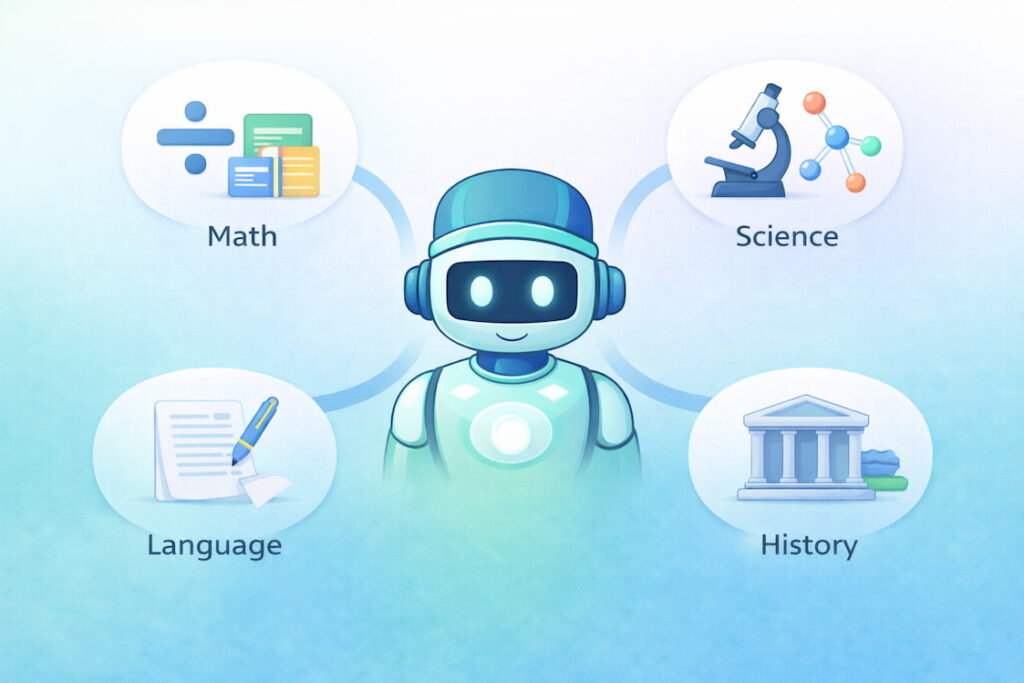
Subject-Wise Approach: Learn Anything Faster With AI 🎓
Now let’s make it practical. Here is a subject-wise approach that actually works.
1) Math: Learn Faster With AI Using Step Patterns ➗
Math is not about reading. It’s about pattern recognition and repeated problem types.
How I use AI for math
- Ask AI to show the steps, not only the answer
- Ask it to generate 10 similar questions
- Ask it to explain the fastest method and the safe method
Best AI prompts:
- “Teach me this formula with 3 real examples.”
- “Give me 15 practice questions with answers hidden first.”
- “When should I use this method vs that method?”
AI-powered math routine (30 minutes):
- 10 minutes: concept + 2 examples
- 15 minutes: practice questions
- 5 minutes: error review + shortcuts
This helps you learn anything faster with AI because math improves through repetition with feedback.
2) Science: Learn Faster With AI Using “Why + Diagram Thinking” 🔬
Science becomes easy when you understand cause and effect.
How I use AI for science
- Ask for a simple explanation
- Ask for a “story” or “process flow”
- Ask for common exam traps
Best AI prompts:
- “Explain this process step-by-step with a simple flow.”
- “Give me a memory trick for these terms.”
- “Create 10 MCQs and explain why each wrong option is wrong.”
Fast science technique:
- Turn a chapter into 5 process flows
- Then turn each flow into 10 questions
That’s how you learn anything faster with AI in science: you convert content into a system.
3) English and Writing: Learn Faster With AI Using Templates ✍️
English improves fastest when you stop guessing and start using patterns.
What AI helps with
- vocabulary in context
- grammar correction + explanation
- essay and letter structures
- speaking practice ideas
Best AI prompts:
- “Rewrite this in simple, clear English and explain the changes.”
- “Give me 10 connectors (however, therefore, moreover) with examples.”
- “Make a template for introduction and conclusion.”
Daily mini routine (20 minutes):
- 5 minutes: read a short paragraph
- 10 minutes: rewrite + improve with AI
- 5 minutes: quiz yourself on 5 new words
This helps you learn anything faster with AI because writing becomes a repeatable format, not a mystery.
4) History / Social Studies: Learn Faster With AI Using Timelines 🏛️
History is heavy because it’s long. AI helps you compress it.
How I use AI
- turn chapters into timelines
- convert timelines into flashcards
- practice with short-answer questions
Best AI prompts:
- “Create a timeline with 10 key events and one-line significance.”
- “Make 20 flashcards from this chapter.”
- “Ask me questions like a teacher and correct my answers.”
Pro tip:
Ask AI for a “linking story” between events. Stories stick faster than lists.
That’s a simple way to learn anything faster with AI for history.
5) Computer Science / Coding: Learn Faster With AI Using Projects 💻
Coding is best learned by building small things.
How I use AI
- explain a concept
- write a small example
- give 3 variations
- debug errors with reasoning
Best AI prompts:
- “Explain this concept with a beginner example and a real-life analogy.”
- “Give me a mini project I can complete in 45 minutes.”
- “Here’s my error—explain why it happens and how to fix it.”
Mini-project approach:
- 1 concept → 1 tiny project → 1 improvement
This is how you learn anything faster with AI in coding: build, break, fix, repeat.
Exam Preparation: Learn Anything Faster With AI Without Studying More 🏁
If exams are your goal, here’s the exam-focused system I personally like.
Step 1: Create an exam map 📌
Ask:
- “List the most common question types from this syllabus.”
Step 2: Create a study sprint plan (2–4 weeks) 🗓️
Ask:
- “Make a 21-day plan with daily topics and revision days.”
Step 3: Make daily active recall sets 🧠
Ask:
- “Create 25 questions for today’s topics.”
Step 4: Mistake notebook (AI-assisted) ❌➡️✅
When you get something wrong:
- paste your answer
- ask AI: “Explain my mistake in one sentence and show the correct method.”
Step 5: Weekly mock tests 🎯
Ask:
- “Create a full mock test with answer key and marking scheme.”
Step 6: Final revision pack 📚
Ask:
- “Summarize the entire syllabus into a last-day revision sheet.”
This method helps you learn anything faster with AI because it reduces passive time and increases targeted practice.
“Don’t Study More” Means Study Better: My Time-Saving Tricks ⏳
Here are tricks that save time instantly:
- Replace long notes with one-page summaries
- Convert summaries into flashcards
- Revise with questions, not reading
- Use AI to generate exam-style questions
- Use AI to explain mistakes quickly
My favorite quick prompts (copy-paste) 📋
- “Summarize this into 10 bullet points, simple words.”
- “Now make 15 MCQs from it with explanations.”
- “Now quiz me and wait for my answer.”
- “Now make a 7-day revision plan.”
Ratings: Using AI to Learn Faster ⭐
These ratings are about the method (not a specific tool). Out of 10.
- Clarity and understanding speed: 9/10
- Time saved on note-making: 8.8/10
- Exam prep usefulness: 9.2/10
- Risk of lazy learning (if you don’t test yourself): 6/10
- Overall learning boost (with discipline): 8.9/10
Important: AI is powerful, but only if you actively use it. If you just read AI answers, you’ll feel busy but learn slowly.
My Opinion (Not Biased): Is AI Actually Good for Learning? 🗣️
Here’s my honest opinion.
Yes, AI is amazing for learning—but only when you use it like a tutor, not like a shortcut. If you use AI to generate summaries and you never test yourself, you will forget quickly. On the other hand, if you use AI to create questions, explain mistakes, and plan revision, you’ll learn faster without increasing hours.
So my rule is:
- AI for explanation + practice
- You for effort + recall
That balance is how you learn anything faster with AI for real, not just on paper.
Common Mistakes People Make With AI Learning 😬
Avoid these:
- copying answers without understanding
- skipping practice questions
- studying everything equally (no priorities)
- not saving mistakes
- using AI like Google instead of a tutor
A better habit:
- ask → learn → test → correct → repeat
That loop is where speed comes from.
FAQ: Learn Anything Faster With AI ❓
1) Can I really learn anything faster with AI without studying more?
Yes, if you replace passive studying with active recall and spaced revision. AI speeds up explanation, notes, and question creation, so your time becomes more efficient.
2) What’s the best way to use AI for exam preparation?
Use AI to make a plan, generate daily quizzes, and create mock tests. Also, use AI to analyze mistakes and make a revision schedule.
3) How do I stop depending on AI too much?
Use AI to teach and test you, but always answer questions yourself before checking solutions. Keep a “mistake list” and revise it without AI sometimes.
4) Which subject benefits most from AI?
In my experience, subjects with lots of explanations and practice—like science, languages, and theory-heavy topics—benefit a lot. Math and coding benefit most when you use AI for step-by-step practice and debugging.
5) How should I use AI daily if I only have 1 hour?
Do:
- 10 min: AI explains + examples
- 30 min: practice questions
- 20 min: review mistakes + quick revision notes
This is the fastest “learn anything faster with AI” routine for limited time.
6) What if AI gives a wrong explanation?
That can happen. The safe method is to ask follow-up questions, request simpler steps, and compare with your textbook notes. Also, test understanding by solving problems—practice reveals errors quickly.