
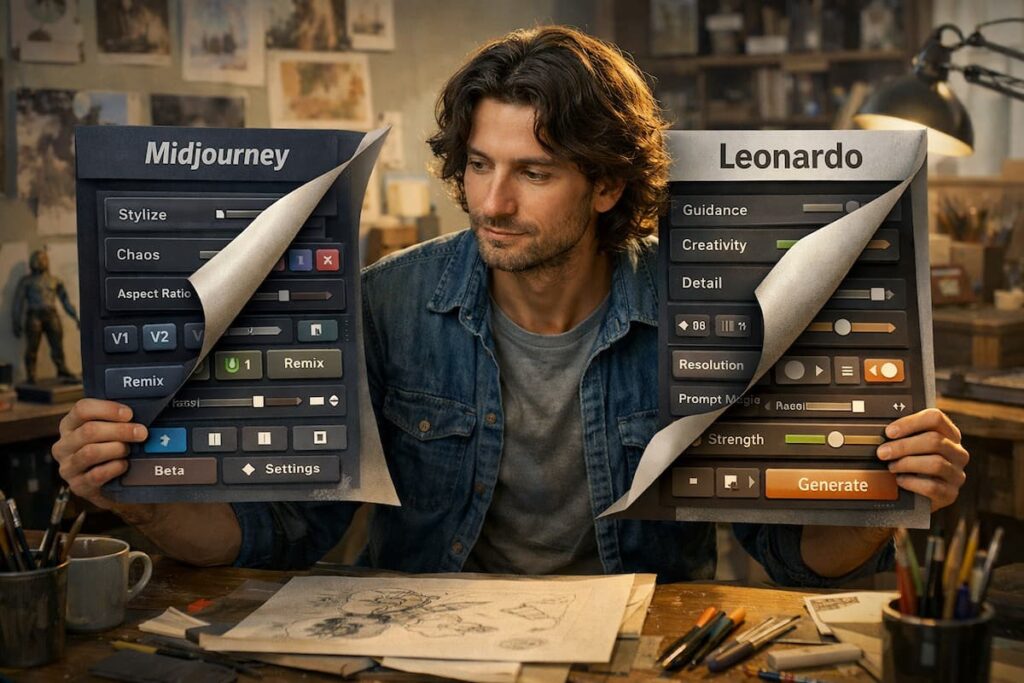
Hidden Midjourney and Leonardo AI features are the reason some artists get “wow” results quickly while others feel stuck repeating the same prompts again and again. The truth is, most people use these tools like a vending machine: type a prompt, generate, hope it looks good, and repeat. That works sometimes. But if you want consistent quality, better control, and less wasted time, you need to use the features most artists skip.
I’m writing this in a very visual, easy-to-follow style because AI art tools can feel confusing. You don’t need complex words. You need clear steps that match real creative work. You also need a fair comparison—because both Midjourney and Leonardo have strengths, and the “best” tool depends on your goal.
In this guide, I’ll share hidden Midjourney and Leonardo AI features that can upgrade your workflow: cleaner prompts, better consistency, smarter iteration, and more professional outputs. I’ll also include my honest opinion, ratings, and a detailed FAQ. ✅
I used to generate and accept “good enough.” I used to waste credits testing random prompt changes. I used to restart projects instead of fixing them.
Then I learned how to guide the tools properly.
After that, my results improved without extra effort.
Quick Reality Check: What “Hidden Features” Really Means 👀
When I say hidden Midjourney and Leonardo AI features, I don’t mean secret hacks or illegal tricks. I mean:
- options people ignore
- workflows people don’t learn
- small settings that change quality a lot
- smart ways to iterate without starting over
Think of it like a camera: most people shoot on auto. Pro users tweak settings.
The Best Way to Read This Post ✅
For each feature, I’ll give:
- What it does (simple)
- When to use it (real scenario)
- How to use it (quick steps)
So you can apply it immediately.
Hidden Midjourney and Leonardo AI Features: The Big Picture 🧠🎨
Before we go tool-by-tool, here’s the main difference:
- Midjourney often shines with style and polish
- Leonardo often shines with control and production workflow
So the hidden Midjourney and Leonardo AI features you use should match your goal:
- one perfect hero image
- or a full set of consistent assets
Now let’s get into the good stuff.
Hidden Midjourney Feature 1: “Prompt Weighting” for Cleaner Results 🎚️
What it is:
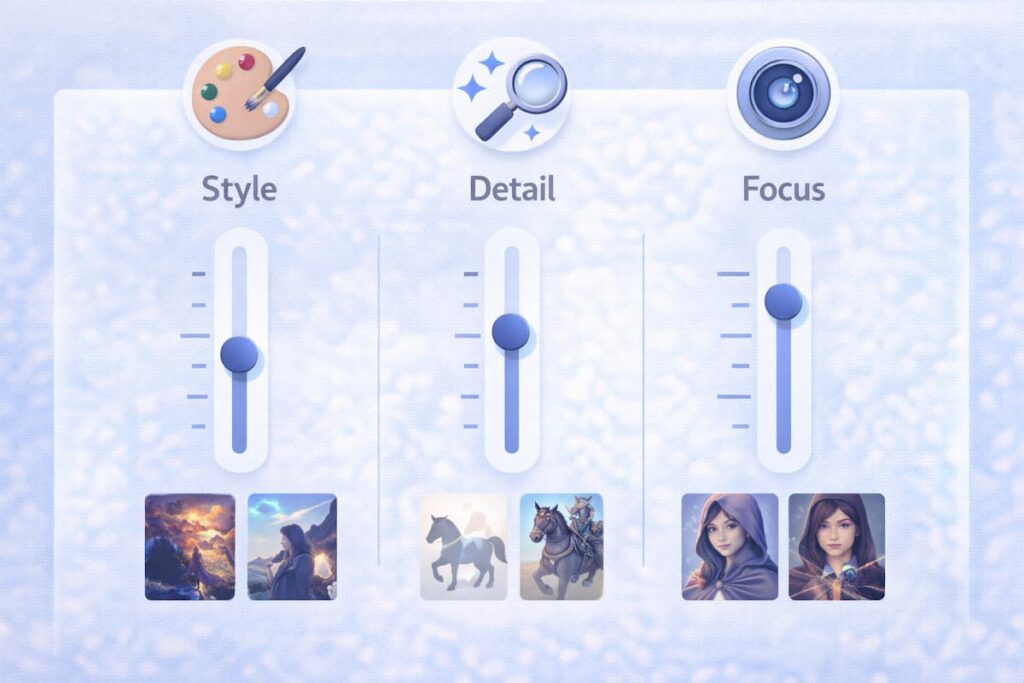
Prompt weighting helps you tell Midjourney what matters most.
When to use it:
When your output keeps focusing on the wrong thing.
Simple example:
You want: “portrait, clean background, soft light”
But you keep getting busy backgrounds.
How to use it (easy):
- Emphasize what you want more
- Reduce what you want less
- Keep it minimal, don’t overdo it
Why it’s a hidden win:
It saves time. You stop fighting random results.
Hidden Midjourney Feature 2: “Style Control” (Stop Getting the Same Look) 🎭
What it is:
Midjourney has a strong “signature style.” Sometimes that’s great. Sometimes you want something different.
When to use it:
When every image looks like the same artist.
How to use it (simple steps):
- Add style words like:
- “minimal graphic design”
- “flat illustration”
- “product photography”
- “studio lighting”
- Remove “fantasy” words if you want clean design
- Keep one style direction per prompt
Visual tip:
Pick one vibe:
- cinematic OR clean design
- not both at the same time
That’s a practical part of hidden Midjourney and Leonardo AI features: clarity beats chaos.
Hidden Midjourney Feature 3: “Seed” Thinking for Consistency 🌱
What it is:
A seed helps you keep a similar base “randomness” so results can stay consistent.
When to use it:
When you want the same character or scene vibe again.
Simple workflow:
- Generate a good image
- Keep the “base” consistent
- Then change only one thing at a time (outfit, background, pose)
Why it matters:
Consistency is where many artists struggle. This is one of the biggest hidden Midjourney and Leonardo AI features for series creators.
Hidden Midjourney Feature 4: “Upscale + Variations” as a Strategy 🧠
Most people upscale and stop. That’s fine, but you can do better.
When to use it:
When the composition is good, but details feel off.
Smart steps:
- Generate 4 images
- Choose the best composition
- Upscale
- Create variations of that one
- Pick the cleanest final
This approach feels like “directing” the tool instead of gambling.
Hidden Midjourney Feature 5: “Negative Prompting” Without Getting Messy 🚫
What it is:
Telling the model what not to include.
When to use it:
When you keep getting:
- extra fingers
- messy text
- weird backgrounds
- watermarks or logos
Simple rule:
Don’t list 50 negatives. Pick 3–5 max.
Example negatives:
- “no text”
- “no watermark”
- “no extra fingers”
- “clean background”
This is a quiet but powerful hidden Midjourney and Leonardo AI features technique.
Hidden Leonardo AI Features Most Artists Don’t Use 🧰✨
Now LeonarLeonardo often becomes amazing when you stop treating it like “one-click art” and start treating it like a production tool.
Hidden Leonardo Feature 1: Model Switching for Different Goals 🔁
What it is:
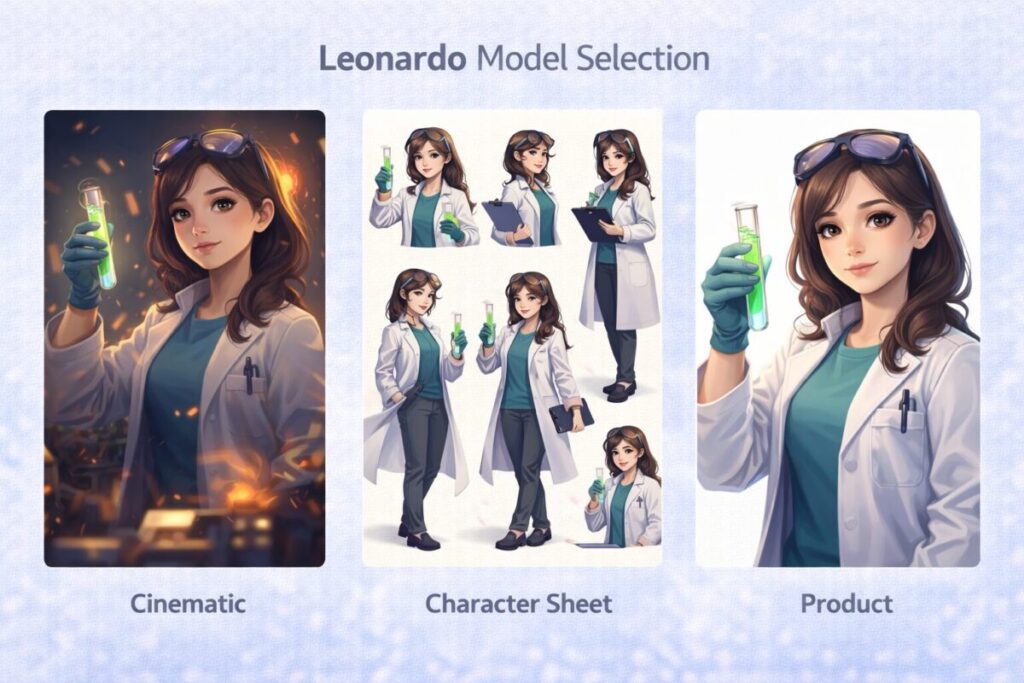
Leonardo gives multiple models or styles that suit different outcomes.
When to use it:
When your image is “almost good,” but not the right vibe.
Simple rule:
- Use one model for cinematic art
- Use another for character sheets
- Use another for clean product visuals
Why it matters:
A lot of “bad results” are just wrong model choice.
Hidden Leonardo Feature 2: Character Consistency Workflow 🧑🎨🔁
What it is:
Leonardo often supports workflows for repeating a character style.
When to use it:
When you need the same character across:
- comics
- YouTube story videos
- game assets
- brand mascots
Easy workflow:
- Create a strong base character
- Save the style direction
- Generate variations: pose, outfit, expression
- Keep lighting and style stable
This is one of the most valuable hidden Midjourney and Leonardo AI features for artists building series content.
Hidden Leonardo Feature 3: Canvas / Editor Mindset 🖌️
Many artists ignore editing features and keep regenerating.
When to use editing tools:
- the face is perfect but hands are wrong
- background is messy
- the logo area needs empty space
- composition is good but one element looks off
Why it’s powerful:
Editing small issues is faster than rerolling everything.
That’s a core hidden Midjourney and Leonardo AI features lesson:
don’t restart—refine.
Hidden Leonardo Feature 4: Asset Grid Thinking (Designers Love This) 🧩
What it is:
Creating multiple clean assets in one consistent style.
When to use it:
When you need:
- icons
- stickers
- character poses
- outfit sets
- UI-style art
Simple approach:
- Same style words every time
- Same lighting every time
- Same angle rules every time
This turns Leonardo into a reliable production pipeline.
Hidden Leonardo Feature 5: Prompt “Locking” (Keep What Works) 🔒
A hidden trick is not changing everything.
When to use it:
When you like the style but want new content.
What I do:
- Keep 70% of prompt the same
- Change only the subject or scene
- Keep the style line unchanged
Example:
- Keep: “clean vector style, soft shadow, white background”
- Change: “coffee cup” → “running shoes” → “smartphone”
This makes outputs consistent and brand-friendly.
Hidden Midjourney and Leonardo AI Features: Shared Pro Workflows ✅
Now let’s talk about workflows that work in both tools.
Workflow 1: The “3-Line Prompt” (Simple but Strong) 🧾
Most artists write long prompts and get messy images.
Try a 3-line structure:
- Subject: who/what
- Style: art style + medium
- Lighting/Camera: mood + shot type
Example:
- Subject: “young warrior portrait”
- Style: “cinematic illustration, high detail”
- Lighting: “soft rim light, shallow depth of field”
This is one of the best hidden Midjourney and Leonardo AI features ideas because it’s not a setting—it’s a habit.
Workflow 2: Change Only One Thing at a Time 🎯
If you change five things, you don’t know what improved the image.
Better approach:
- Keep prompt stable
- Change one variable:
- background only
- lighting only
- outfit only
- camera angle only
This makes your progress predictable and faster.
Workflow 3: Build a “Style Dictionary” 📓
Save 10–15 style phrases you love:
- “clean studio lighting, product photo”
- “flat vector illustration, minimal”
- “anime cel shading, crisp lines”
- “pencil sketch, textured paper”
Then reuse them.
This is how hidden Midjourney and Leonardo AI features becomes a real system, not random art.
Quick Visual: Best Use Cases (Easy to Scan) ✅🎨
Midjourney is best for:
- 🎬 cinematic hero images
- 🌌 concept art
- 👤 dramatic portraits
- 🎭 strong artistic style
Leonardo is best for:
- 🎮 game assets
- 🧑🎨 consistent characters
- 🧩 design sets and variations
- 🛠️ refine/edit workflows
Comparison Table: Hidden Midjourney and Leonardo AI Features 📊
| Area | Midjourney | Leonardo |
|---|---|---|
| Best hidden advantage | style polish control | production control |
| Consistency workflow | seed + careful iteration | repeatable character/assets |
| Best approach | generate → choose → upscale → vary | generate → refine → edit → finalize |
| Ideal for | hero art, posters, thumbnails | sets, assets, brand visuals |
| Common user mistake | changing prompts too much | not using editing/refine tools |
My Opinion (Honest and Not Biased) 🗣️
Here’s my honest opinion.
If I’m creating a single image that needs to impress instantly—like a thumbnail, poster, cinematic portrait—I naturally lean toward Midjourney. It often delivers that “wow” with less effort.
But if I’m creating a project with many images—like a character series, a set of assets, or a branded style—I lean toward Leonardo because control and consistency matter more than one perfect image.
So for me, hidden Midjourney and Leonardo AI features are not about secret tricks. They’re about using each tool for what it’s built to do:
- Midjourney: high-impact creativity
- Leonardo: repeatable production
Ratings (Fair, Artist-Focused) ⭐
Midjourney ⭐
- Artistic polish: 9.5/10
- Style variety: 9.2/10
- Consistency (series work): 8.2/10
- Control and refinement: 8.3/10
- Overall: 9.0/10
Leonardo ⭐
- Control and workflow: 9.2/10
- Consistency for characters/assets: 9.1/10
- Editing/refinement feel: 9.0/10
- Artistic wow (instant): 8.7/10
- Overall: 8.9/10
Close score, different strengths.
FAQ: Hidden Midjourney and Leonardo AI Features ❓
1) What are the best hidden Midjourney and Leonardo AI features for beginners?
For beginners, the best “hidden” wins are simple: prompt structure, changing one thing at a time, using negative prompts carefully, and using variations/refinement instead of regenerating from scratch. These habits improve results fast without technical stress.
2) How do I make AI art look consistent across a series?
Consistency comes from stability. Keep your style line the same, reuse the same core prompt, and change only the scene details. Also, try to keep lighting and camera angle consistent. In series work, consistency matters more than “newness.”
3) Why do my results look random even with good prompts?
Usually because too many variables are changing. If you change style, subject, lighting, and mood all together, outputs become unpredictable. Lock your style, then adjust one thing at a time.
4) Should I use Midjourney or Leonardo for YouTube thumbnails?
For high-impact thumbnails, Midjourney often gives stronger cinematic style quickly. But if your channel needs consistent branding and repeatable designs, Leonardo can be better for maintaining a stable look.
5) How do I stop wasting credits?
Use a system:
- make a style dictionary
- keep 70% of your prompt stable
- change only one variable per test
- refine and edit instead of full rerolls
This reduces random experiments and gives predictable improvement.
6) Can I use both tools together?
Yes, and many creators do. A smart workflow is:
- use Midjourney for hero images, inspiration, and cinematic concepts
- use Leonardo for consistent variations, asset sets, and refined production outputs
Using both can give you speed + control.